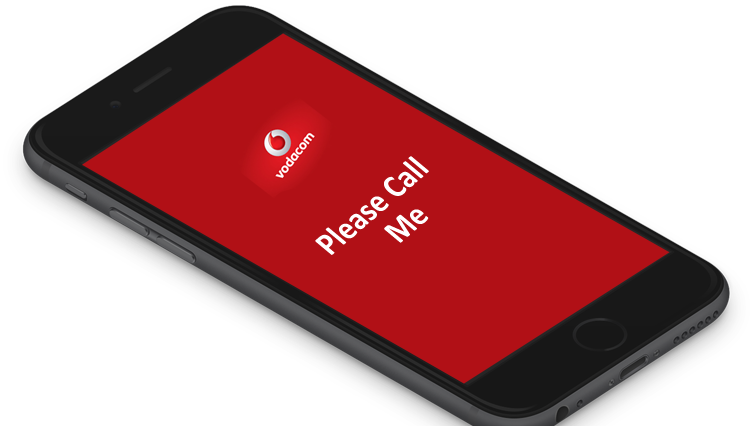
Vodacom offers its subscribers a convenient “Please Call Me” service that allows you to send a free request to another Vodacom user to call you. This feature is especially useful when you run out of airtime or need someone to contact you urgently. Here is a step-by-step guide on how to use the feature on Vodacom.
Follow these simple steps to send a “Please Call Me” on Vodacom:
Dial the Command Code:
Open your phone’s dialer and type *140* followed by the phone number of the person you want to contact. For example, if the number is 0821234567, you would dial:
*140*0821234567#
Press the Send/Call Button:
Once you’ve entered the code, press the green call button to execute the command.
Wait for Confirmation:
Within seconds, the recipient will receive a message from Vodacom with your phone number and a short text asking them to call you back.
Important Details to Keep in Mind
Daily Limit:
Vodacom allows each user to send up to 10 “Please Call Me” messages per day. If you exceed this limit, you’ll need to wait until the next day to use the service again.
Free of Charge:
This service is completely free, meaning you can use it even if your airtime balance is zero.
Message Content:
The recipient’s message will include your phone number and a standard text like:
It’s a quick and efficient way to reach out when you’re in urgent need of a callback.
Airtime Shortage:
If you’ve run out of airtime, this service ensures you can still communicate your need to someone else.
Convenience:
No need for extra apps or configurations, just a simple USSD code is all it takes.
Troubleshooting When Please Call Me Does Not Work
Occasionally, users may experience issues when sending a Please Call Me message. In 2025, the most common causes include temporary network congestion, daily limit exhaustion, or incorrect dialing format.
If the service does not work, users should:
Double-check the number format
Ensure they have not exceeded the daily limit
Restart the phone
Move to an area with stronger network signal
If problems persist, Vodacom customer support can assist with account-specific issues.
Frequently Asked Questions
Does Please Call Me work without airtime?
Yes, the service is completely free and does not require airtime or data.
Can I customize a Please Call Me message?
No, the message is system-generated and cannot be edited.
Does Please Call Me work on smartphones and feature phones?
Yes, it works on all phone types as long as there is network coverage.
Can I send Please Call Me internationally?
The service is primarily designed for local use. International delivery may not be supported reliably.
Knowing how to send a Please Call Me on Vodacom remains a valuable skill even in 2025. This simple feature continues to bridge communication gaps when airtime, data, or internet access is unavailable. Its reliability, zero cost, and ease of use make it one of the most enduring mobile services offered by Vodacom.
Whether you are managing daily communication, handling emergencies, or supporting someone with limited resources, Please Call Me remains a small but powerful tool that keeps people connected when it matters most.
Kallis is a contributing author at Africans Mag, focusing on culture, lifestyle, and innovation across Africa. His work highlights unique stories and perspectives that inspire readers globally.