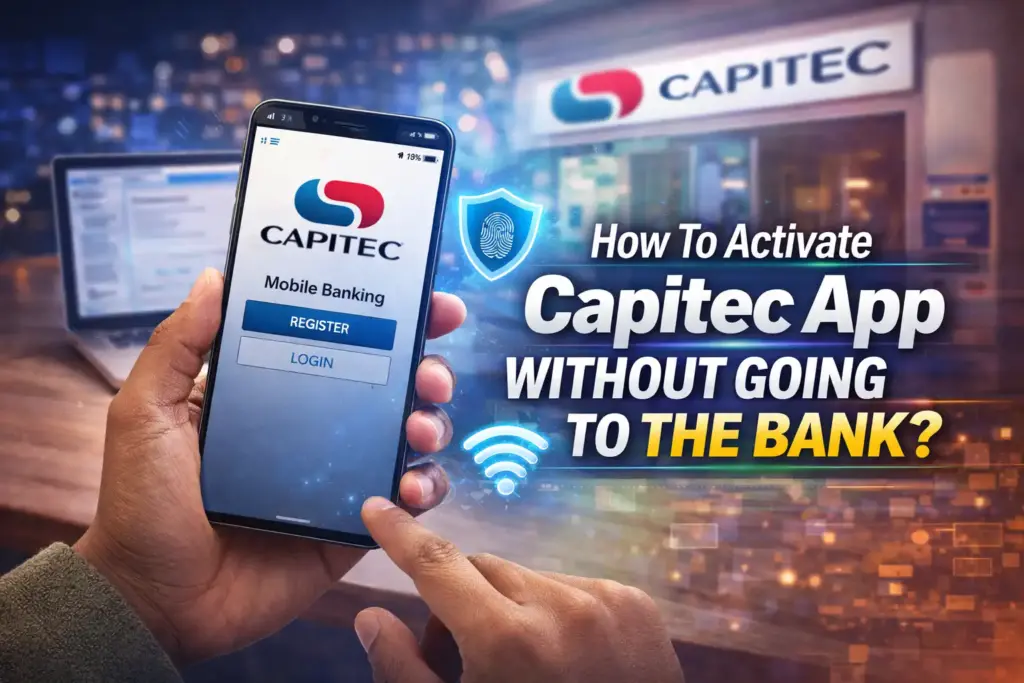
Capitec App has revolutionized the banking sector because it enables its users to make transactions, check balances, and manage their accounts through their smartphones. Its activation without having to visit a branch helps save time and remain safe, and the banking industry still adopts remote services. Capitec has improved its digital onboarding system by 2026, making it more secure, fast, and user-friendly.
Prerequisites for Activating the Capitec App at Home
Before you start, ensure you have the following ready:
Requirement
Description
Smartphone
Android or iOS device with internet access
Capitec Account
Must be an existing account or recently opened online account
Identification
South African ID or valid passport
Email Address
Registered with your Capitec account
Mobile Number
Linked to your Capitec account
Having these ready ensures a smooth activation process and prevents unnecessary delays.
Step-by-Step Guide to Activating Your Capitec App
Instructions: This involves downloading the Capitec App.
The initial one is to install the official Capitec App in the Apple App Store or the Google Play Store. Always ensure that you download the application released by Capitec Bank to prevent the fraudulent ones.
Step 2: Activation: Open the App and choose Activation.
Once installed, open the application and choose the Activate My App option. You are going to be asked to provide your South African ID number or in case you are a non-resident, your passport number. This is done to notify the app that your account is inside the safe system of Capitec.
Step 3: Verify Your Identity
The digital verification process used by Capitec involves the use of the most recent biometric and document-scanning technologies. You may be asked to:
upload a self-portrait photo to be identified.
Swipe your South African ID or passport.
Authenticate your registered mobile number using an one time password (OTP).
These measures will ensure that you are not violating the banking laws in South Africa and ensure that your account is not accessed by unauthorized personnel.
Step 4: Set Up Your Security Details
Once your identity is verified, you will need to create a PIN and set up additional security features such as:
Fingerprint or facial recognition login.
Security questions for account recovery.
Optional 2FA (two-factor authentication) for enhanced protection.
These security measures make your app activation safe and ready for immediate use.
Step 5: Complete Activation and Test
When the setup is complete the application will verify your activation.
It is advisable that you:
You only need to enter your credentials once to get the application to recognize them.
Keep track of your account transactions and account balance.
carry out a small transfer to ensure that everything is working.
These are the last processes that are involved in the activation of your Capitec Application so that you can carry out all the banking activities.
Common Issues & Solutions
Some users will still have problems even when they are using sophisticated systems.
OTP Not Received: Make sure that your mobile number is accurately registered. Confirm signal strength or issue a new OTP.
Verification Failure: It is important to make sure that your scan of the ID or passport is clear and matches the information in your registered account.
Application Crashes: Check to see if the application has been updated to the latest version or restart your device before trying again.
Login Problems: Check your PIN and security options; in case of further difficulties, use the Capitec support digitally.
Benefits of Activating the Capitec App
Activating your Capitec App from home provides several advantages:
Time-saving: No need to travel or wait in line.
24/7 Access: Complete activation at any time that suits you.
Safety: Avoid exposure to crowded areas.
Convenience: Manage accounts, pay bills, and transfer funds from anywhere.
Enhanced Security: Biometric verification ensures only you can access your account.
These benefits align perfectly with the 2026 digital-first banking approach, making financial management easier than ever.
Frequently Asked Questions
Can I use my application at home?
Absolutely. Capitec uses biometric authentication and strong encryption in an attempt to protect your personal and financial data.
What if I do not receive my OTP?
Check your mobile network, make sure that the right telephone number is registered and, in case of need, order another OTP.
Can I use the application on more than one device?
Yes, but Capitec recommends that the main device should be installed initially and that secure authentication should be used on any other devices.
What is the duration of digital activation?
The procedure will normally take between five and ten minutes depending on your internet connection speed and the fullness of the needed documents.
Does it need to be verified by going to the bank?
No; the whole process may be done digitally unless Capitec suspects something suspicious and requires verification in person.
Activating your Capitec App without visiting a branch is now a fully achievable and safe process in 2026. With digital verification, biometric security, and a user-friendly interface, Capitec has made banking convenient, fast, and accessible.
Kallis is a contributing author at Africans Mag, focusing on culture, lifestyle, and innovation across Africa. His work highlights unique stories and perspectives that inspire readers globally.